
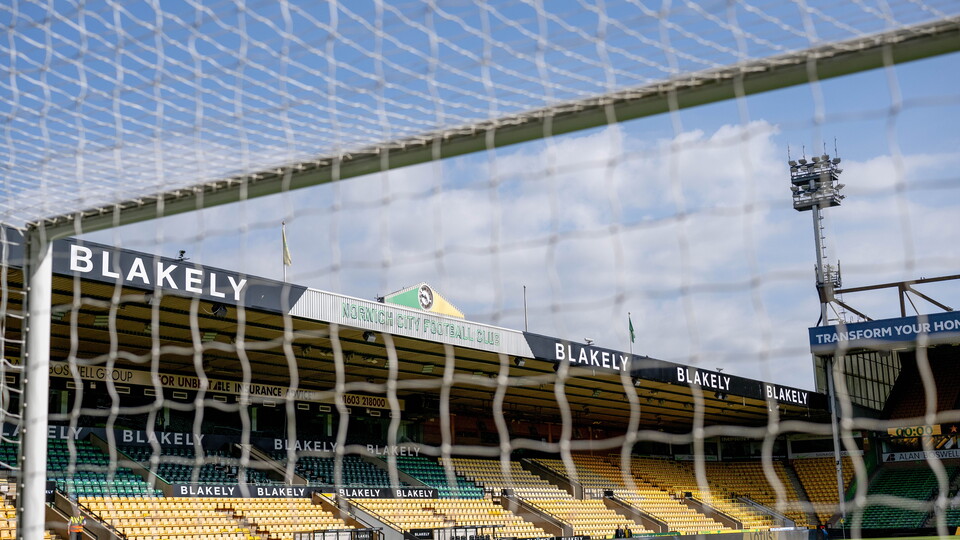
With the introduction of digital ticketing at Carrow Road this season, we have put together a short guide to help hospitality ticket holders distribute their tickets to their guests.
Hospitality tickets can be easily distributed from your One City account - all you need is your guest's name and email address.
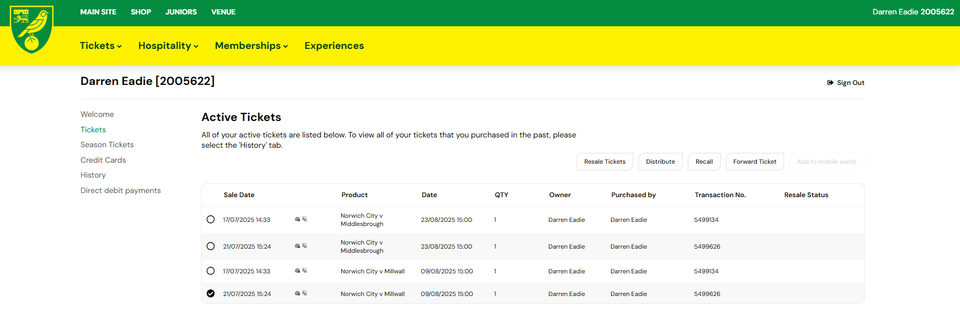
- Log in at tickets.canaries.co.uk and select tickets from the menu on the left
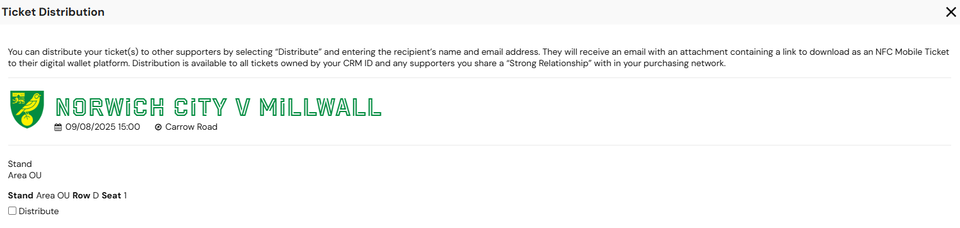
- Select the ticket from the list and hit distribute
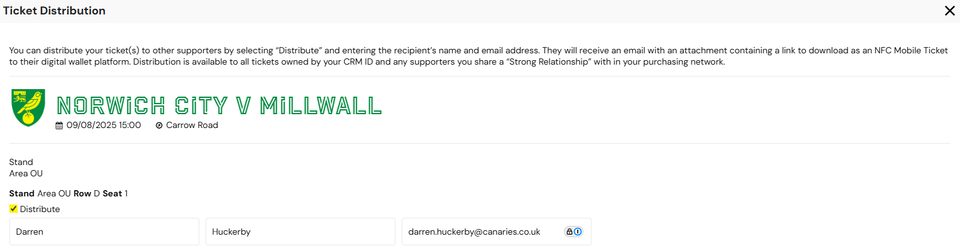
- Enter your guest's details and hit distribute tickets
- Your guest will receive an email that they should open on their mobile phone, with a link to download their digital ticket to their Apple or Google Wallet.
- You'll get an email to confirm you've successfully distributed the ticket.
- You will be able to recall this ticket via your One City account.

Entering the stadium
Make sure that your digital ticket is downloaded to your phone before travelling to Carrow Road.
When you arrive at your entry point at Carrow Road, simply open your Apple or Google Wallet, select your digital ticket to open it and tap it on the contactless reader.
When the light changes colour, you will be able to enter the stadium.
Please note that you cannot use the Norwich City app for digital ticketing; your ticket must be added to your Apple or Google Wallet.